 HubSpot
 Attio
AttioLayover: a branded landing page for your Discord invite
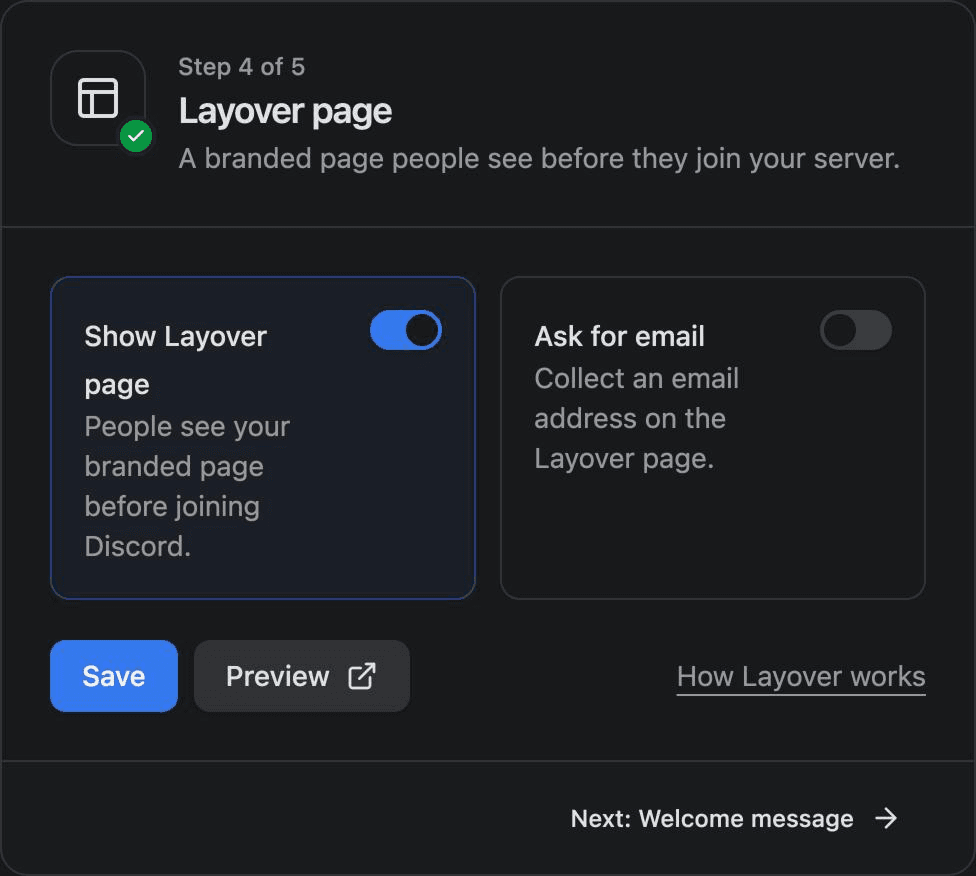
Layover is a branded page people see before they join your Discord server through your Conncord invite link. It shows your logo and company name, can ask for the email they use with you, and then links them to their HubSpot contact or Attio person as they join.
Updated
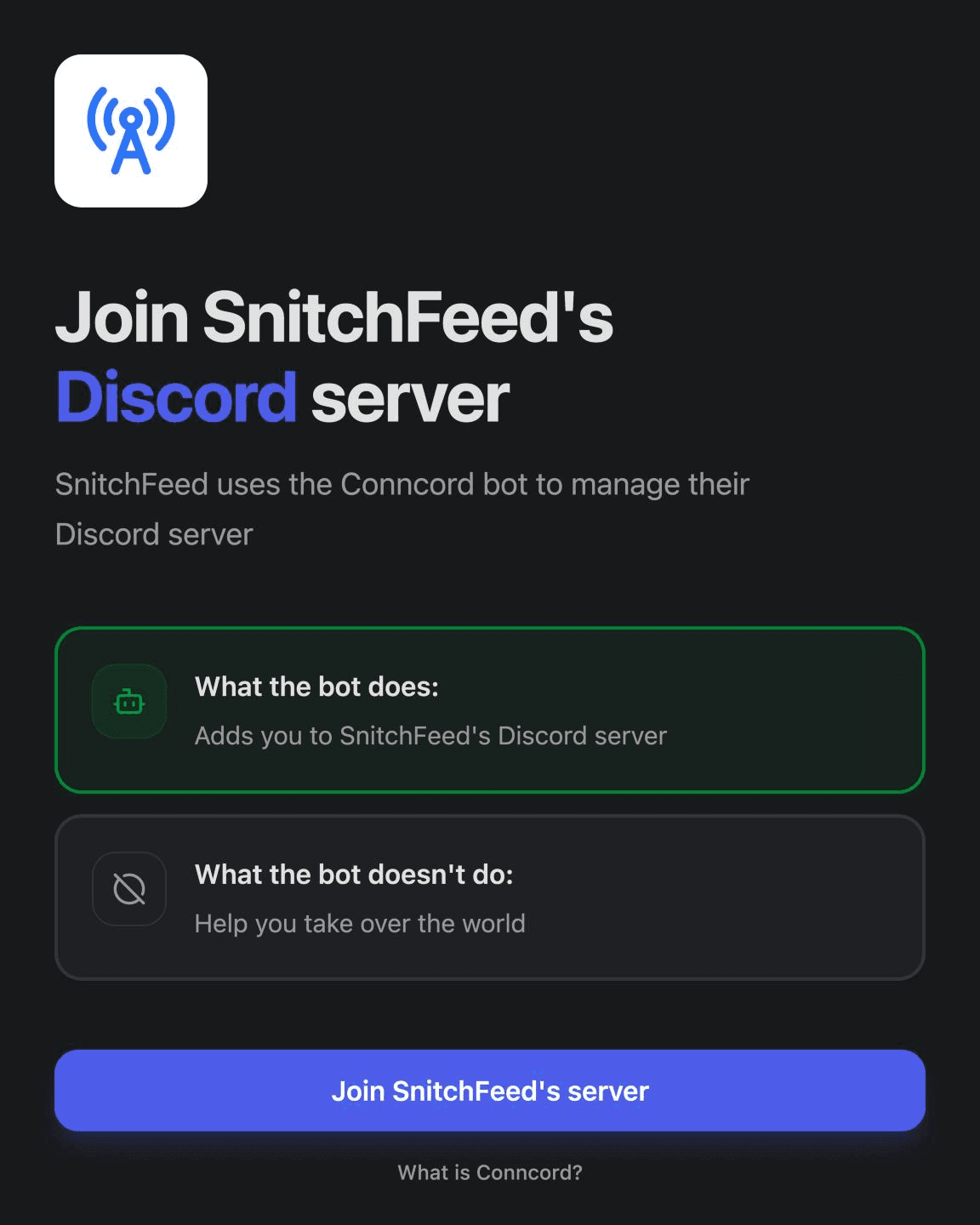
Looks like you, not a bot
Your logo and company name, and a clear explanation of what joining means.
The right record, every time
Ask for the email people use with you, so they're linked to their existing record even if Discord has a different one.
Same link you already share
Turn Layover on and your existing Conncord invite link opens it first.
Recipes
What teams set up first
Each works with HubSpot and Attio.
When
someone opens your invite link
Then
show your branded Layover page
When
Ask for email is on
Then
collect the email they use with you
When
they sign in with Discord
Then
add them to your server
When
they join
Then
link them to their contact or person
When
a HubSpot email sends the personalized link
Then
skip the email step; the contact is known
When
they land in your server
Then
role steps can find them right away

How it works
Set up in three steps
- 1
Add your company name and logo in the Conncord dashboard.
- 2
Turn on Layover and, optionally, Ask for email.
- 3
Keep sharing your invite link. Visitors see Layover, sign in with Discord and land in your server.
With HubSpot
- Visitors from a HubSpot email with the personalized link aren't asked for their email; Conncord already knows the contact.
With Attio
- Everyone is asked for their email, because the Attio invite link is the same for everyone.
The difference
Layover, with and without Conncord
Without Conncord
- A bare Discord invite with no context
- Members join with emails you don't recognize
- No brand between your site and your server
With Conncord
- Your logo and name before anyone joins
- The email they use with you, so the right record is linked
- The same invite link you already share
“Very useful, simple and works very well!”
FAQ
Questions, answered
Connect Discord to your CRM today
Link members, automate roles and send messages from HubSpot or Attio workflows. Live in minutes.
7-day free trial · No credit card required
5.0· 4 reviews on HubSpot