
Layover
Layover is a branded page shown before people join your Discord server through your Conncord invite link. It can ask for an email to match CRM records.
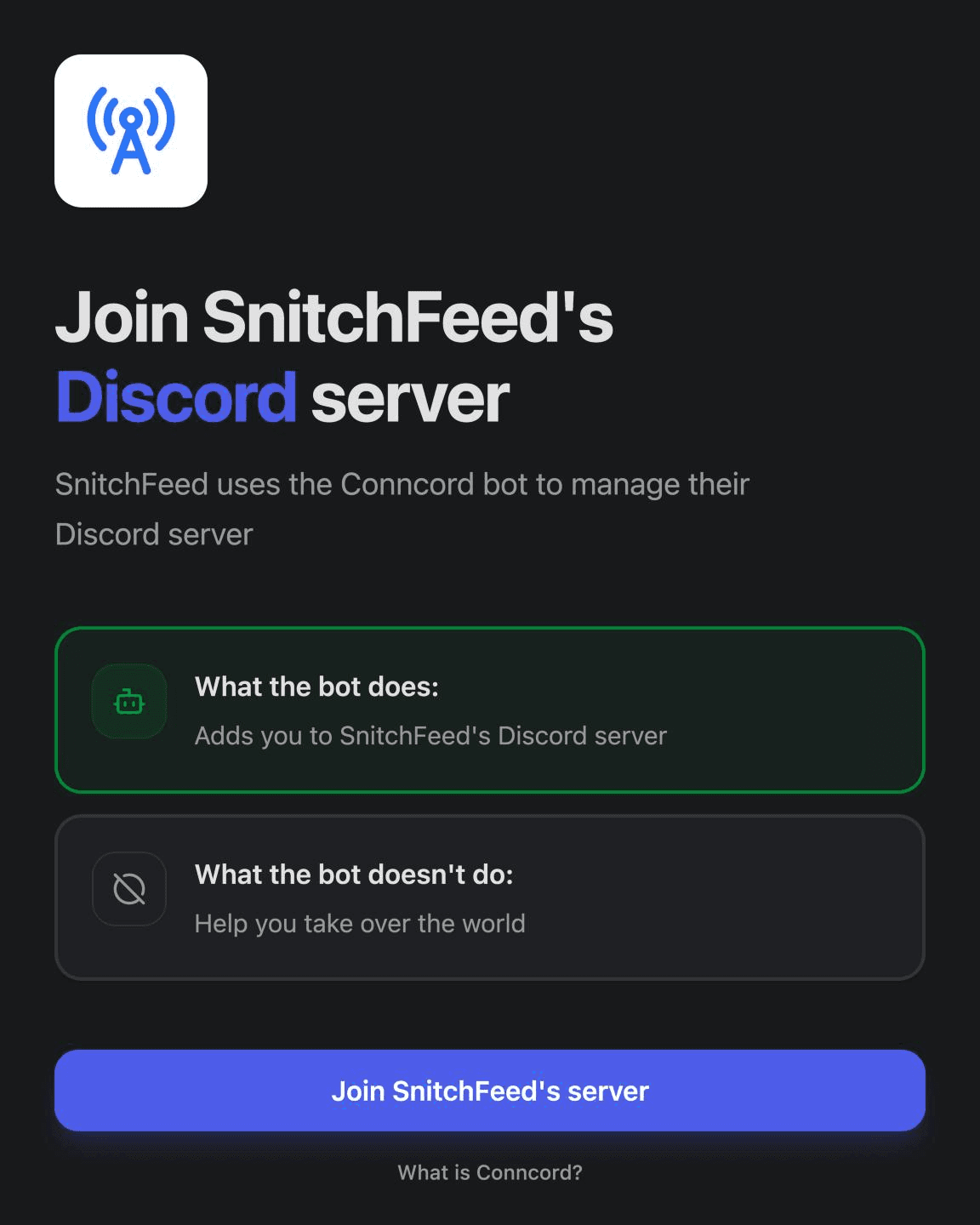
Layover is a branded page people see before they join your Discord server through your Conncord invite link. It shows your logo and company name, explains what the Conncord bot does, and can ask for the email they use with your business.
It's included in the trial, Pro and Scale plans, for both HubSpot and Attio.
Set it up
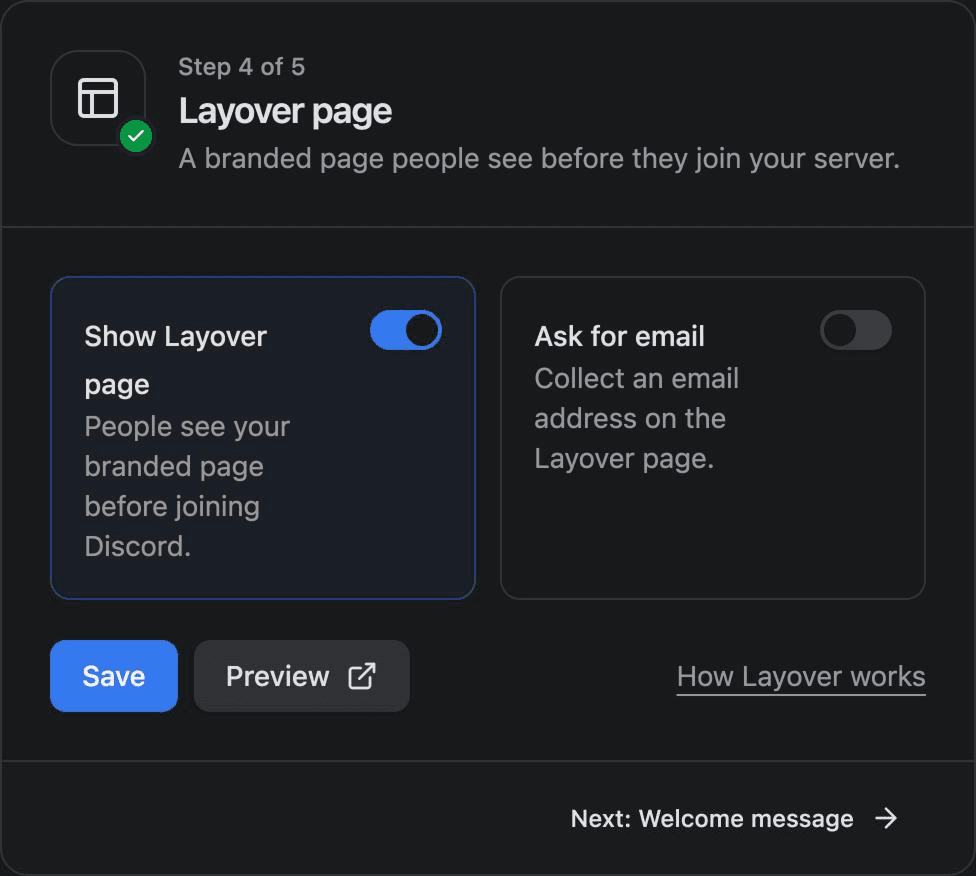
- In your Conncord dashboard, open Add your branding. Enter your Company name and a Logo link (a PNG, JPG or SVG image) and click Save branding.
- Open Layover page and turn on Show Layover page.
- Optionally turn on Ask for email (see below).
- Click Save. Click Preview to open your invite link and see the page.
To turn Layover on, you need a plan that includes it, a connected CRM, a connected Discord server, and your company name and logo.
How it works
You keep sharing the same invite link. With Layover on, the link opens your Layover page first:
- The visitor sees "Join your company's Discord server" and clicks Join your company's server.
- If Ask for email is on, they enter the email they use with you first.
- They sign in with Discord and approve Conncord.
- Conncord adds them to your server and opens it in Discord.
- Conncord links them to a HubSpot contact or Attio person.
Ask for email
With Ask for email on, Layover asks visitors for the email they use with your business. Conncord uses it to find their existing HubSpot contact or Attio person, even when their Discord account uses a different email.
- HubSpot: visitors who arrive from a HubSpot email with the personalized invite link aren't asked, because Conncord already knows which contact they are. Everyone else is asked.
- Attio: everyone is asked, because the Attio invite link is the same for everyone.
Without an email, Conncord uses the email on the visitor's Discord account, but only if Discord has verified it.
Which record a member is linked to
Conncord picks the record in this order:
- HubSpot only: the contact from a personalized invite link.
- The oldest record with the email they entered on Layover.
- The oldest record with their verified Discord email.
- Otherwise, a new contact or person.
See HubSpot member linking and Attio member linking for the fields Conncord writes.
Last updated on